Get Your ERC Code Instantly

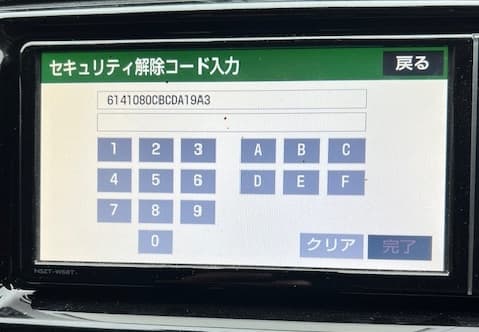
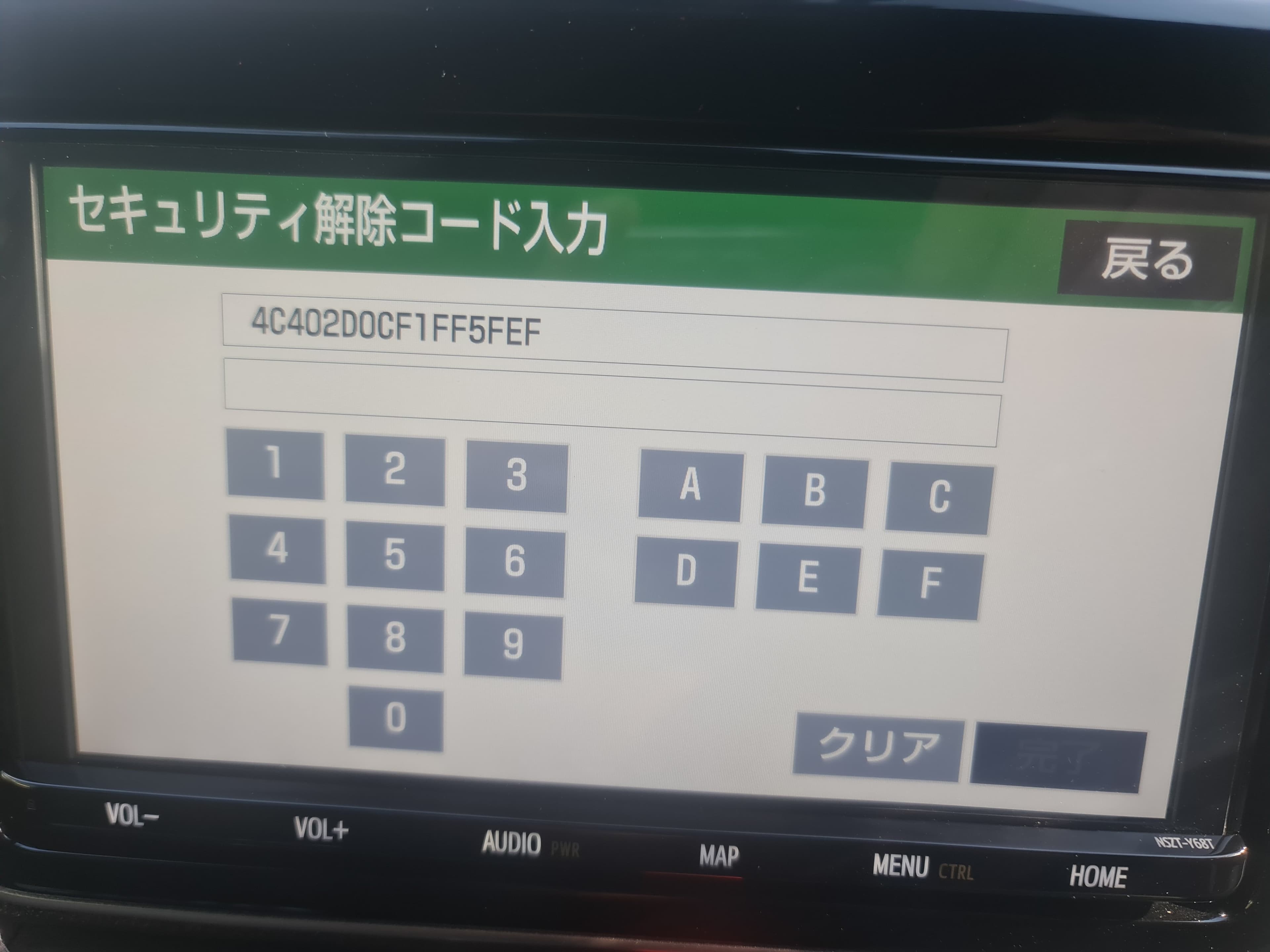
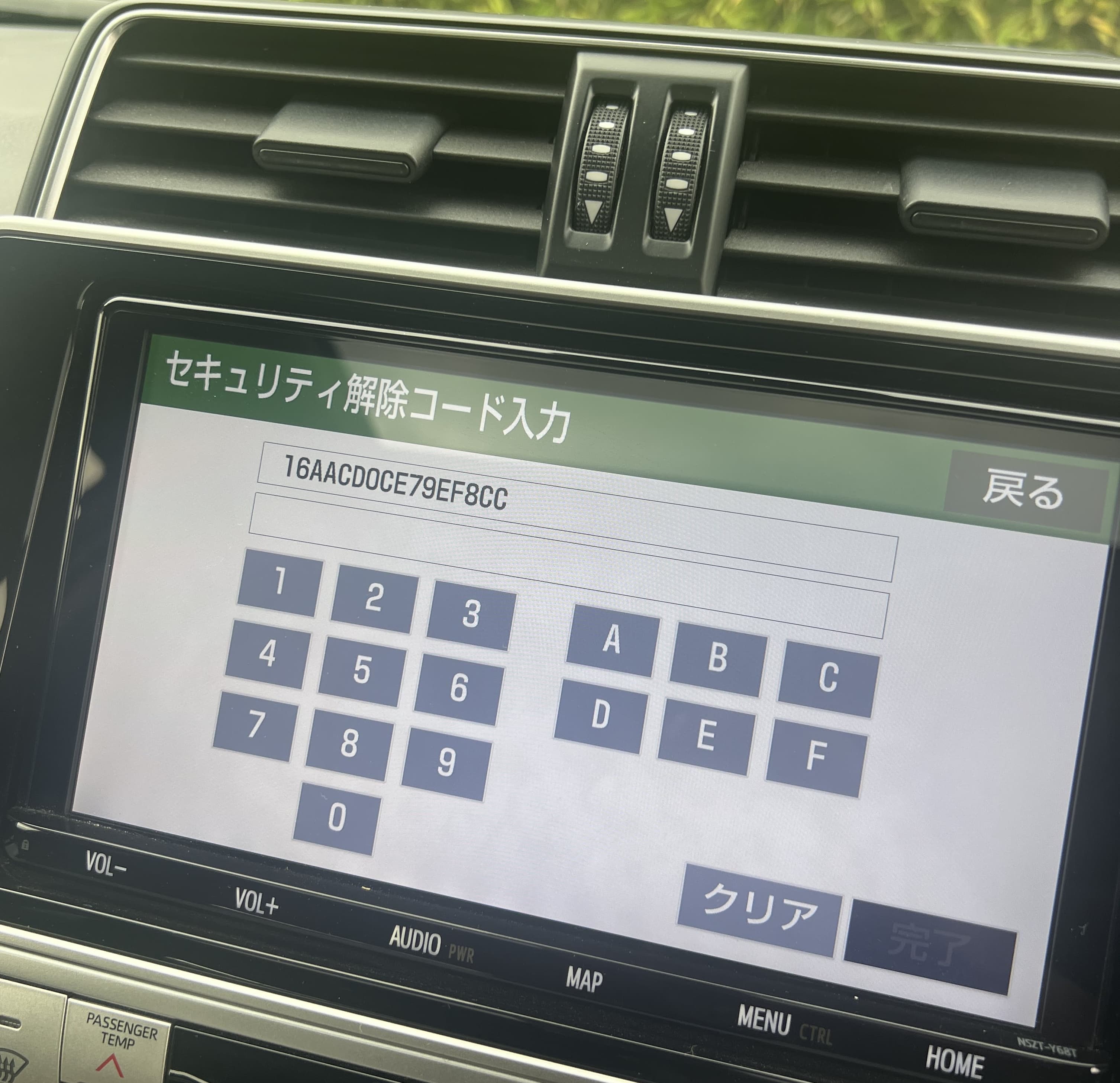
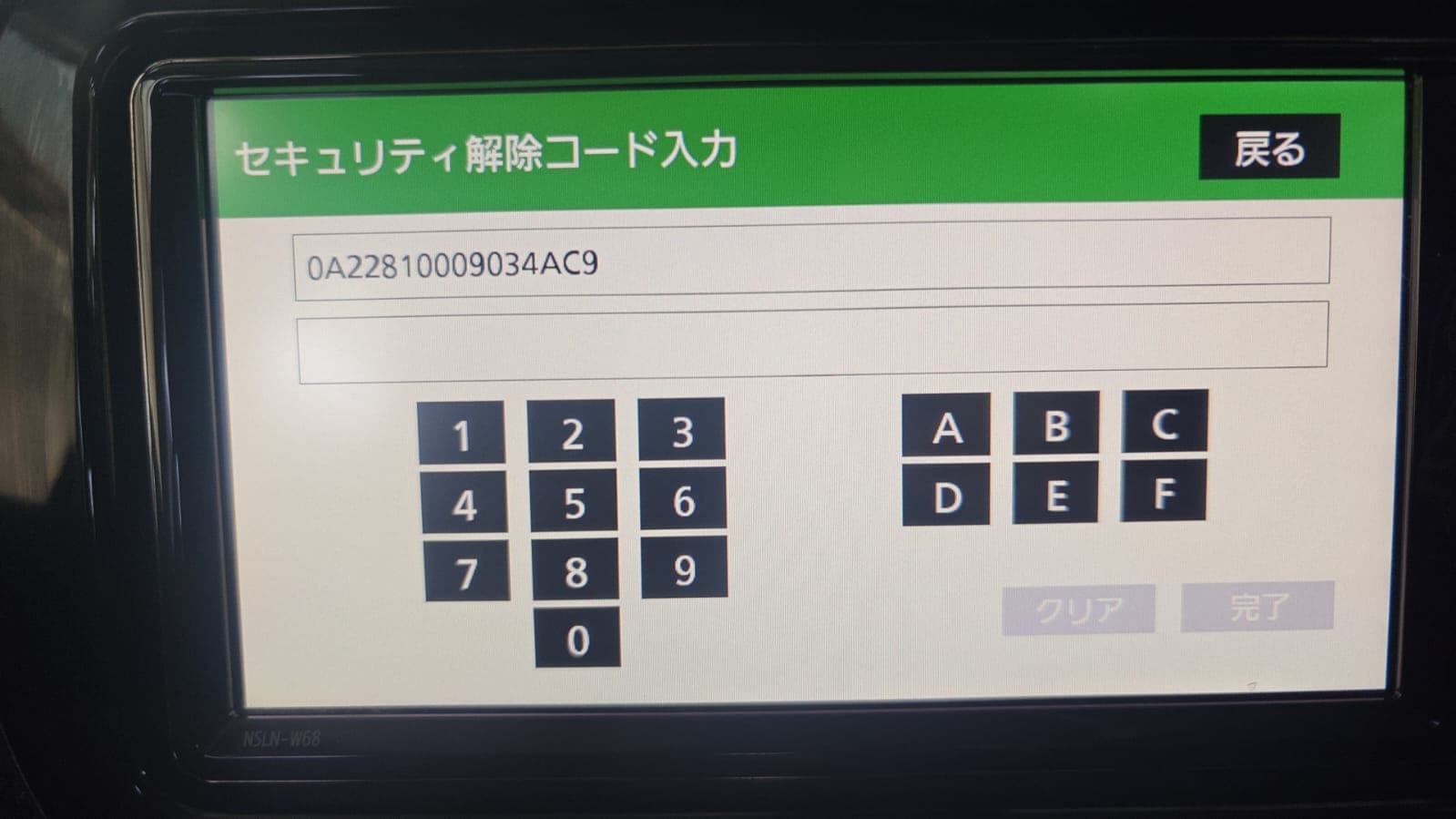
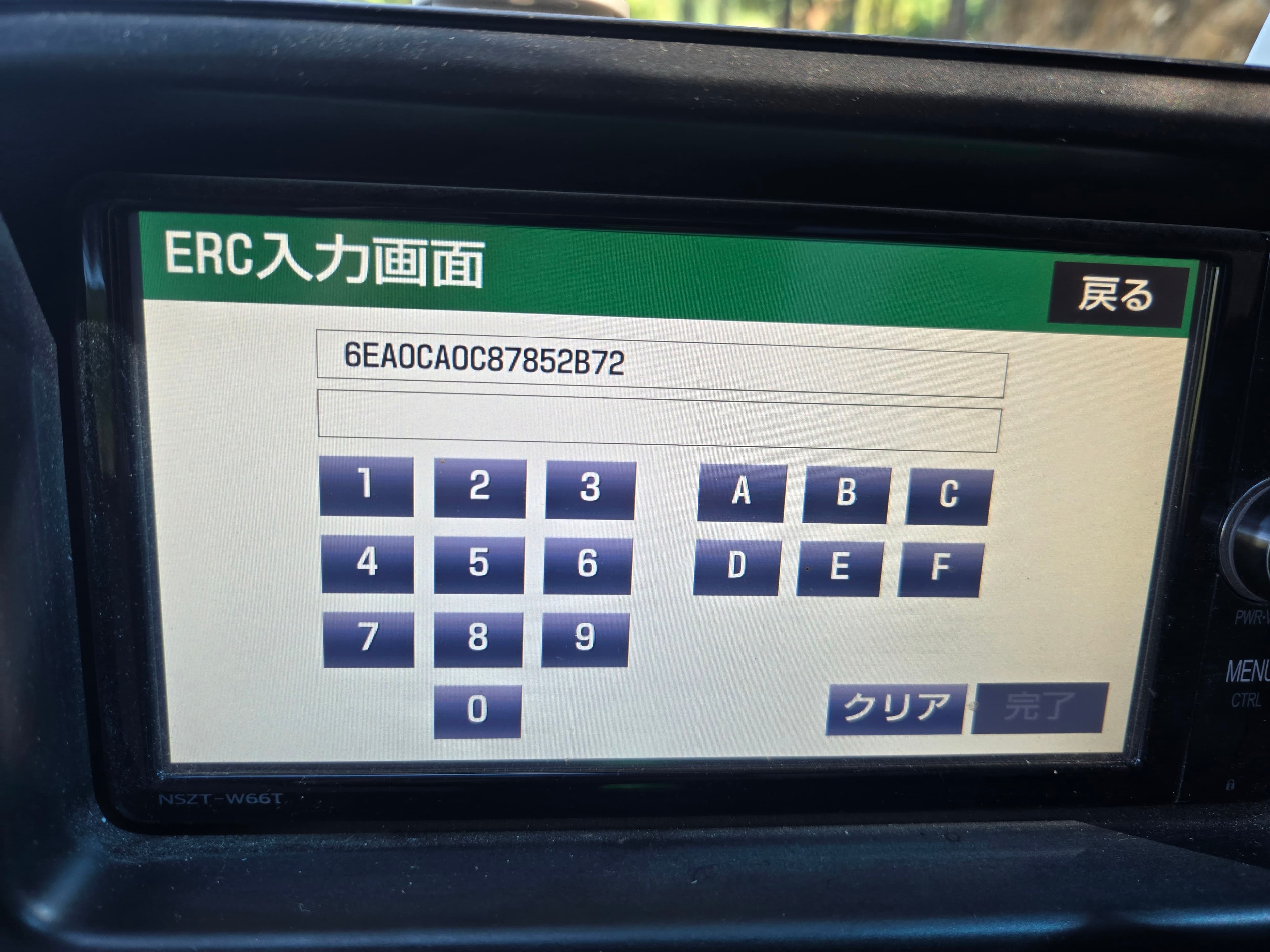
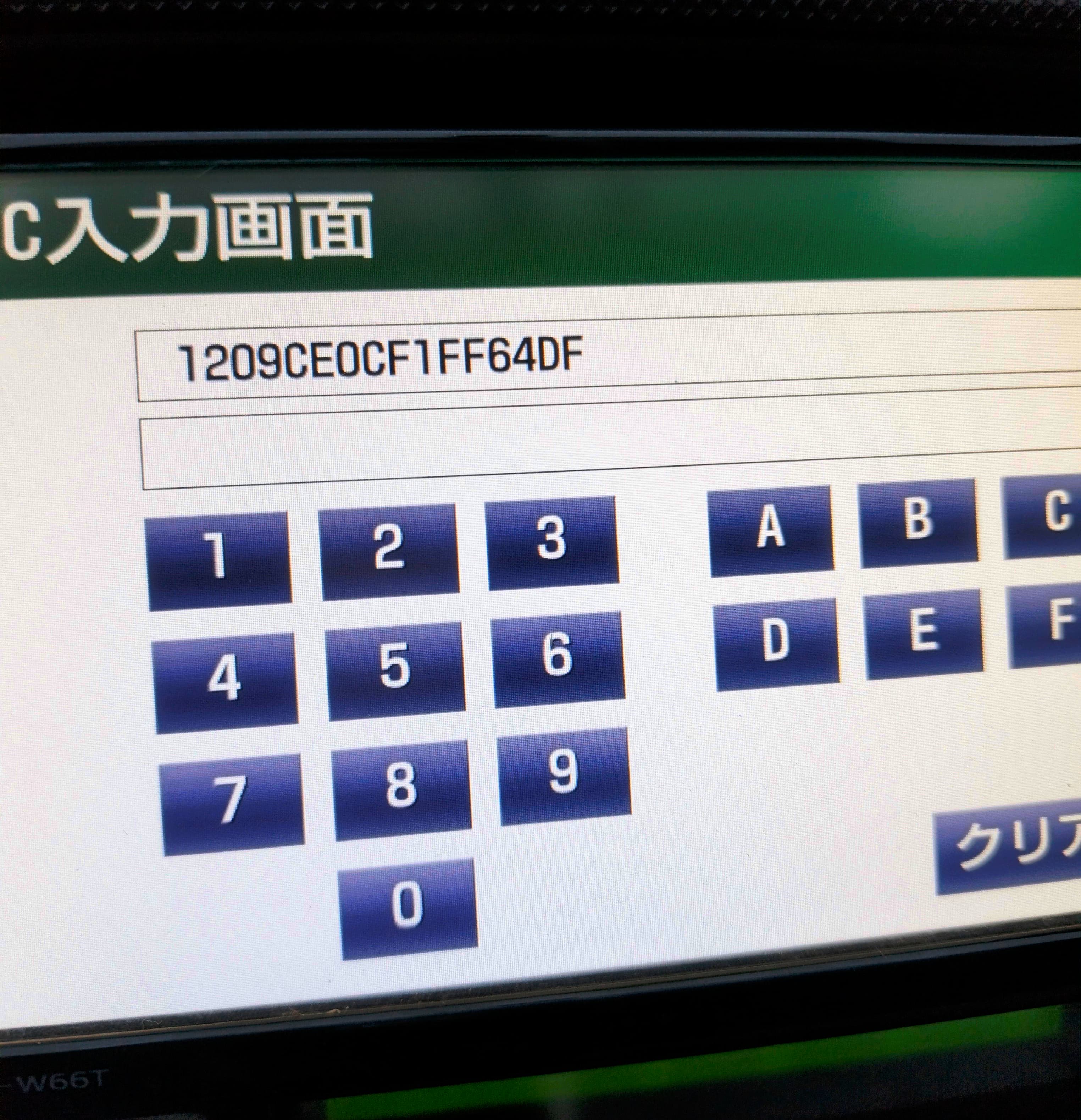
Lost your stereo code after battery change? Pick the audio model, Enter your 16-digit erc serial number, and get your ERC code in seconds.

Instant results Trusted & simple 100% Refund

How to Find Your Audio Model Name

To generate an ERC unlock code, you’ll need your navigation unit’s model number. This guide shows you exactly where to find it.

1) Locate the model number on your screen

Most car navigation units have the model number printed on the edge of the navigation console screen. Check the top right, bottom right, or (older models) bottom left corner.

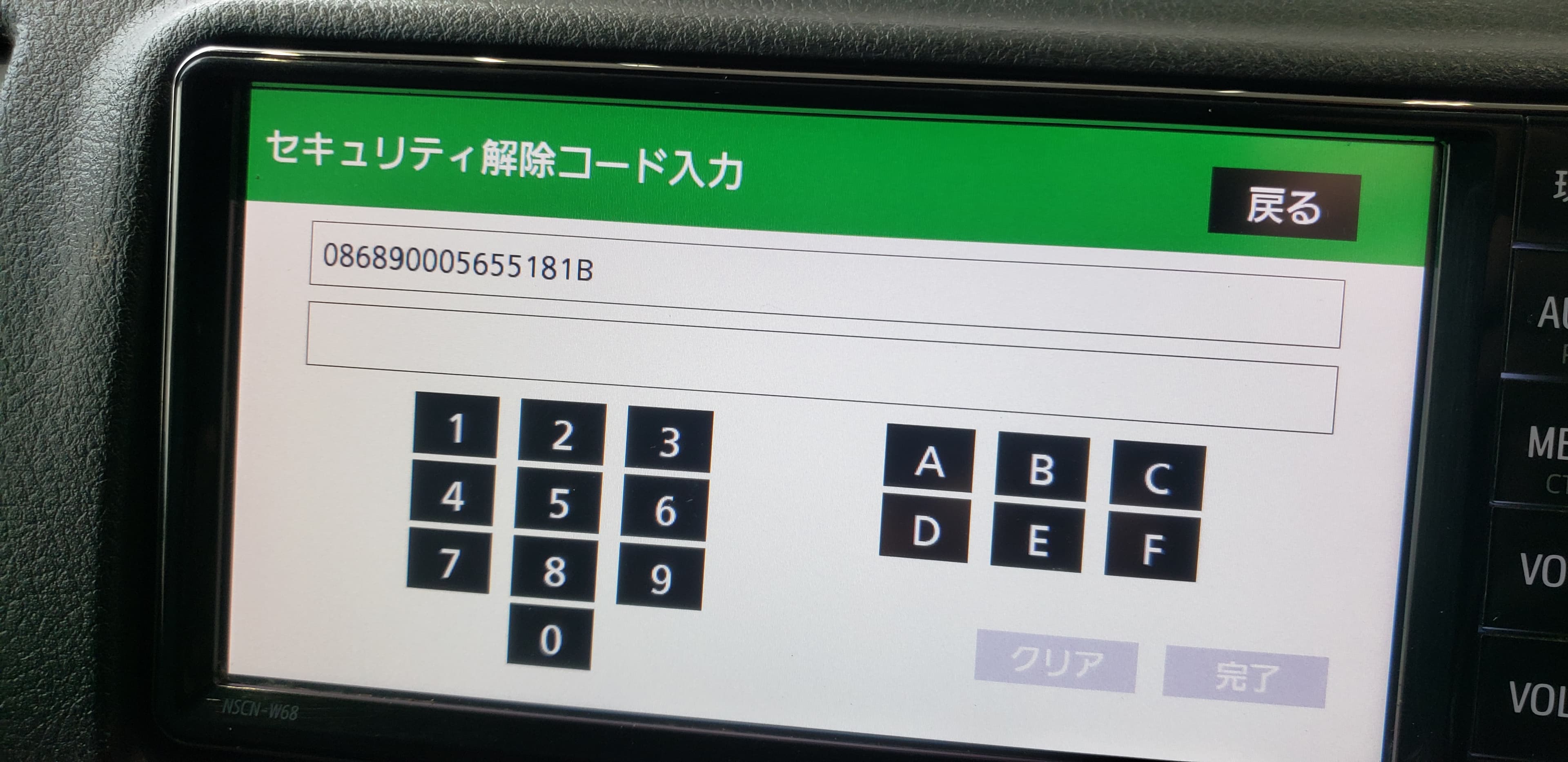
2) Confirm with a sample (NSCN-W68)

In this example, the model number is printed in the bottom left corner and is NSCN-W68.

3) Note the last 3–4 matching characters

Take note of the last three digits/characters. Example: for NSCN-W68, the matching part is W68.

4) Select the model in ERC Calculator

On the code purchase screen, select the matching model (example: W68) from the list.

Tip

If your model number isn’t listed in the dropdown, select All Other.

Latest Supported Models:

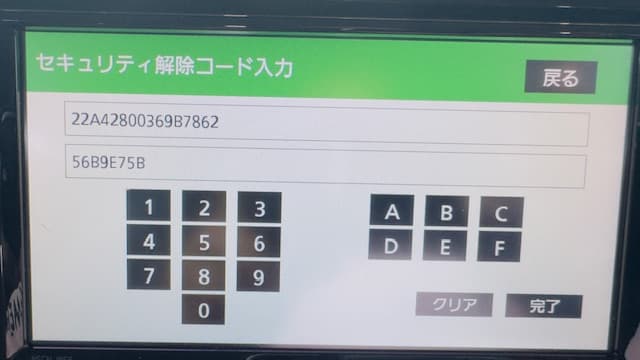
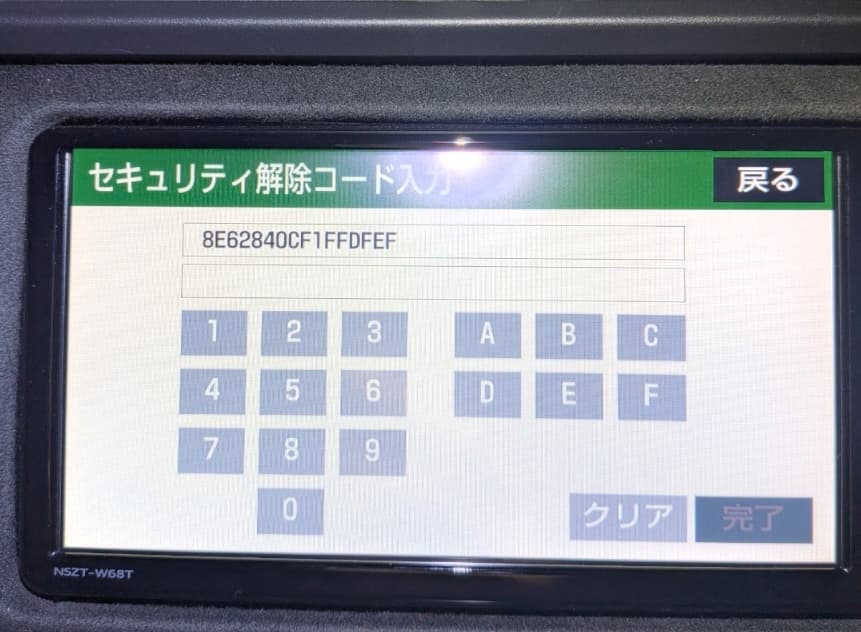
NSZT-W68T, NSZT-Y68T, NSZN-Z68T, NSCN-W68

Supported Models:

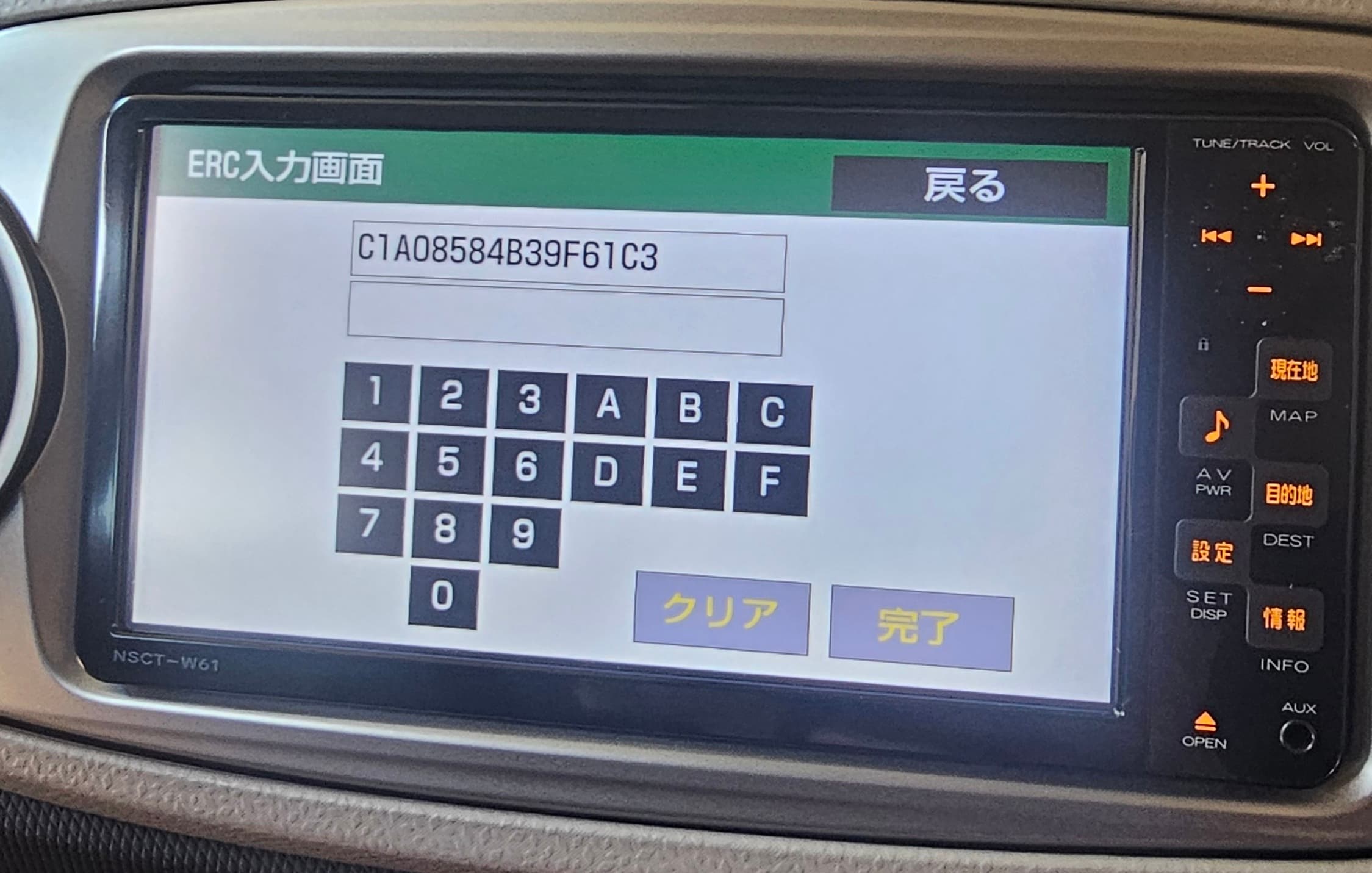
ND3T-W56, ND3T-W57, NDCN-D55, NDCN-W55, NDDA-W55, NDDA-W56, NDDN-W56, NDDN-W57, NDDN-W58, NH3N-W58, NH3T-W57, NHBA-W62G, NHDA-W61G, NHDT-W57, NHDT-W58, NHDT-W58G, NHDT-W59, NHDT-W59G, NHDT-W60G, NHZD-W62G, NHZN-W57, NHZN-W58, NHZN-W59C, NHZN-W59G, NHZN-W60G, NHZN-W61, NHZN-W61G, NHZT-W58, NHZT-W58G, NSCN-W59C, NSCN-W60, NSCP-W61, NSCP-W62, NSCP-W64, NSCT-W61, NSDD-W61, NSDN-W59, NSDN-W60, NSDT-W59, NSZA-X64T, NSZT-W60, NSZT-W61G, NSZT-W62G, NHZN-X62G, NSZT-W64, NMCN-D51, NMCN-W51M, NMCT-D51, NMCT-W51, DSZT-YC4T, W60G, NHDT-W60G, NSZT-Y66T, NSZT-W66T, NSCD-W66

Feel free to reach us via the Contact Us page. Thanks.
Trusted by Users Worldwide

Real reviews from Android users who generated their ERC radio codes in minutes using the ERC Calculator app.

O

Omila S.

Google Play review

My Toyota radio locked after battery disconnect. This app generated the ERC instantly and unlocked it.

S

Sambo O.

Google Play review

Works like magic. One of the best apps I’ve used. Saved me a dealer visit.

A

A Google User

Google Play review

Excellent service. When my code was not generated automatically, support helped after I sent the serial number.

M

Muhammad A.

Google Play review

Toyota radio locked after battery change. Entered serial number and got code instantly.

J

James R.

Google Play review

Dealer wanted too much money. This app solved the problem in minutes.

A

Ahmed K.

Google Play review

Very easy to use app. Clear steps and quick results. Worked perfectly for my Corolla.

D

Daniel P.

Google Play review

Did not expect it to work, but it did. My Lexus radio unlocked without any issues.

H

Hassan A.

Google Play review

After battery replacement my stereo was locked. This app saved my time and money.

R

Robert L.

Google Play review

Fast response and helpful support. Code worked on first try.

U

Usman T.

Google Play review

Clear instructions. Enter serial number, select model, get code. Simple and useful.

C

Chris M.

Google Play review

Much cheaper than going to the dealer. Works exactly as described.

A

Adeel S.

Google Play review

I was worried my model would not be supported, but it worked fine. Totally worth it.

Swipe to see more →

Frequently Asked Questions

Find clear answers to common questions about using the ERC Calculator app.

Can’t find what you’re looking for? Contact our support team via email or live chat.